

Mastering API Documentation with AI
A comprehensive 7-week live virtual course for technical writers, developers, and anyone who needs to create professional API documentation. You'll learn to read, write, and validate API documentation by hand — and in the final project phase, apply Claude to accelerate and review your work. The skills you build are what make AI output trustworthy.
Summer 2026 cohort — now open for enrollment. Next cohort starts June 15. Seats are limited.
Join live or follow async — full recordings are included with every enrollment. Can't make every session? You won't fall behind.
NEW: AI Add-On Module
For the final two classes, an optional AI add-on lets you use Claude and Claude Code to draft, review, and refine your API documentation — directly inside a GitHub Codespace, no local setup required.
- Class 6 (AI-assisted): Use Claude to draft API flow guides, then validate every Curl sample against the live API
- Class 7 (AI-assisted): Use Claude to generate OpenAPI descriptions, then evaluate the output against the API Reference Checklist and actual API behavior
The core 7-class course is free-tooling and complete on its own. The AI add-on is for students who want to go further with Claude. Requires a Claude Pro subscription.
Audience
This course is designed for technical communicators transitioning from UI to API writing and stakeholders needing to document or understand APIs. Relevant roles include technical writers, developers, product managers, and support specialists.
Course overview
This online course offers in-depth training on API documentation, blending theory and practical application. Key features include:
- Instructor-Led Classes: Gain insights into various aspects of APIs and documentation with live demonstrations, such as making API calls and documenting APIs.
- Hands-On Assignments: Complete assignments between classes to reinforce learning and apply new skills.
- Final Project: Create and submit an API documentation portal for peer review — with an optional AI-assisted track for the portfolio work.
- Final Quiz: Test your understanding with a comprehensive quiz at the end of the course.
- AI Add-On Module: Use Claude and Claude Code inside a GitHub Codespace to draft and validate your final project documentation. Learn to prompt with styleguide constraints and verify AI output against the API itself.
By the course's conclusion, participants will master API documentation principles, tools, and best practices. They will create clear, industry-standard documentation — and understand how to use AI tools effectively without being misled by them.
Duration
This 7-part series runs weekly. Each session is approximately 90 minutes.
10.5 Hours of Classroom Learning with 8+ Hours of Offline Exercises!
Course Coverage & Topics
Class #1: Understanding APIs
This class introduces the fundamentals of APIs, covering their purpose, how they function, and how to interact with them using tools like Curl, web browsers, and JavaScript applications. It also explores API documentation, its key components, and the tools used to create and maintain it, with hands-on exercises in Swagger UI.
1. Course Introduction
- Welcome to the course
- About the instructor
- Course goals
- Course structure
- What is an API?
- Why Are APIs Hard to Visualize?
2. Demo: API Requests with cURL
- Retrieve a random Chuck Norris joke in JSON format
- Retrieve a list of joke categories
- Retrieve a random joke from a given category
- Retrieve a joke its ID
- Free text search
3. In-class exercise: API Requests in the Browser
- Retrieve a list of joke categories
- Retrieve a random Chuck Norris joke from a given category
4. Inspecting API Calls in Developer Tools
- "Get me a new one" button – observing request and response
- View API calls in Chrome DevTools (Free text search)
- Refresh page – observe new API call fetching fresh data
- Polling – API refreshes data every few seconds
5. API Documentation Overview
- Who is responsible for creating/maintaining API documentation?
- If a company hires me to do API documentation, what tools will I use and in what sequence?
- API Documentation Types
- How Developers Use API Documentation
- Research Implications
- The Tech Writerʼs Role
Offline Exercise:
- Development Envrionment Setup
Class #2: Structured Data & JSON
This class explores structured data with a focus on JSON, covering its format, objects, arrays, and nesting. It includes hands-on exercises with Swagger UI and Postman to construct and send JSON requests, interact with APIs, and handle authentication.
1. Introduction to JSON
- JSON as a data exchange format
- Structured Data
2. Exploring JSON Structures
- Tabular data
- JSON Objects
- JSON Arrays
- Nesting JSON Objects and Arrays
3. Working with Swagger UI
- Access Swagger UI
- Understanding the Interface
- Interactive Features
- Response Handling
- Demo: Swagger UI "Try-it-out"
- Codealong: Send a JSON payload
4. Exploring Postman
- Postman UI Walkthrough
- Understanding requests
- POST request example
- Sending request and code samples
- Codealong: Create request in Postman
Offline API Exercises (Swagger UI & Postman)
- These exercises refine API skills using Swagger UI and Postman, covering authentication, data structuring, and request formation.
Class #3: OpenAPI & YAML
This class provides a deep dive into OpenAPI and YAML, covering key components like the Info Object, servers, paths, operations, and responses. Through hands-on exercises in Swagger Editor and Curl, participants will practice structuring API definitions, troubleshooting errors, and making API requests.
1. Introduction to OpenAPI & YAML
- Introduction to OAS and YAML
- YAML basics: objects, arrays, nesting
2. Swagger Editor
- Swagger Editor, Understanding the Interface
- Common errors in Swagger Editor
3. Hands-on YAML Coding
- Add API version (key-value field)
- Info Object (object)
- Fix YAML errors based on messages
- Add a description to the Info section (first documentation task)
4. Defining API Structure
- Servers and paths
- Codealong: Add course API's servers section
- Operations
- Tags
- Codealong: Add course API's tags with tag and description
- Collection endpoints
- API responses
- Codealong: Investigate API responses
5. JSON Schema in OpenAPI
- JSON schema and OpenAPI
- Codealong: Send a request and analyze JSON schema violations
- Data types and keywords
6. Curl & API Requests
- Curl Crash Course
- Why is Curl important for API documentation?
- Curl command breakdown
- Codealong: Compose and send a "Get a List of" request
Offline Exercises with Curl
- Practice API requests with Curl, covering filtering, sorting, searching, pagination, authorization, and JSON formatting for various HTTP methods.
Class #4: OpenAPI Deep Dive
This session focuses on query parameters, authentication, and CRUD operations in OpenAPI and Curl. Participants will practice constructing API requests, handling security schemes, and documenting API interactions using Curl and Swagger UI.
1. Query Parameters
- Sort / Order
- Projection Filters
- Selection Filters
- Search (q)
- Pagination: Cursor vs. Page-based
- Codealong: Curl - passing query parameters
2. Authentication & Authorization
- Authentication and Authorization Overview
- Security Schemes
- Codealong: Curl - Add authorization header to a request
3. Resource Management
- Creating resources
- Get by ID and path params
- Updating a Resource
- Deleting a Resource
Offline Exercises
- Document how to use Course API endpoints and query parameters to chain requests and achieve a specific goal.
Class #5: Mapping User Journeys to API Flows
This session covers user journeys, API flows, and diagramming with Mermaid. Participants will map user interactions, translate them into API flows, and practice authentication flows in a React Admin Panel.
1. API Flows and Diagramming Overview
- User Journeys
- Overview of Course API and Apps
2. User Journey Diagrams
- The Patron Persona User Journey
- The Staff Persona User Journey
- The Admin Persona User Journey
3. Mermaid Diagrams
- Diagrams as Code - Flow Diagrams
- Mermaid UI Walkthrough
- Flow Diagrams
4. Translating User Journeys to API Flows
- Detour: Authentication and Authorization
- The Authentication API Flow
5. React Admin Panel Codealong
- Logging into the Admin Panel
- Open Google Chrome Developer Tools
- Logging into the React Admin Panel
- Token API Call
- View "Get a List of" API Call in Response
Offline Exercises
- Simulate API flows by navigating the Admin Panel, following user journeys, and executing key API interactions.
Class #6: API Flow Testing
This session focuses on the sequence diagramming of API flows, including user login, admin login, and patron actions, using tools like Curl and Mermaid. Participants will diagram and analyze authentication and admin/patron API flows, then apply their learning with hands-on exercises using Postman. The offline portfolio exercise for this class is the first track of the AI Add-On Module: use Claude to draft API flow guides, then validate the output against the live API.
1. Sequence Diagramming Basics
- Sequence Diagramming - basic, non-technical example
2. Authentication API Flow
- The Authentication API flow
- Account creation
- User login
- Refreshing the access token
- Sequence Diagramming the Authentication API Flow
3. Persona API Flows
- The Admin API Flow
- The Patron API flow
- The Staff API flow
- Sequence Diagramming Persona API Flows
Offline Exercises
- Create requests for Getting started, POS, KDS, and the Admin Panel
- Getting started tutorial using the Auth API Flow
- Document Use Cases: POS, KDS, Admin Dashboard
Class #7: Refining API References
This session focuses on refining API references, covering topics like the difference between formal and informal elements, documenting endpoints, fields, and status codes, and writing error messages. Participants will practice these concepts through hands-on exercises in the Swagger Editor, improving the ability to create clear and detailed API documentation. The offline portfolio exercise includes the second track of the AI Add-On Module: use Claude to generate OpenAPI descriptions, then evaluate the output against the API Reference Checklist and the actual API behavior.
1. Understanding API References
- What is API Reference?
- Formal vs. Informal OpenAPI Elements
- Writing Informal Descriptions
- Balancing Level of Detail
- Markdown in OpenAPI
2. Documenting API Endpoints
- Summarizing Endpoints
- Describing Endpoints
- Documenting Fields
- Describing Status Codes
- Writing Error Messages
Offline Exercises
- Document All API Resources in API Reference
Hands-on Assignments and Final Project
Reinforce learning with interactive code-alongs and offline exercises, documenting the Course API based on lessons. This hands-on approach builds practical API documentation skills.
By course end, you'll have a complete API documentation portal and guidance on publishing it as a portfolio piece.
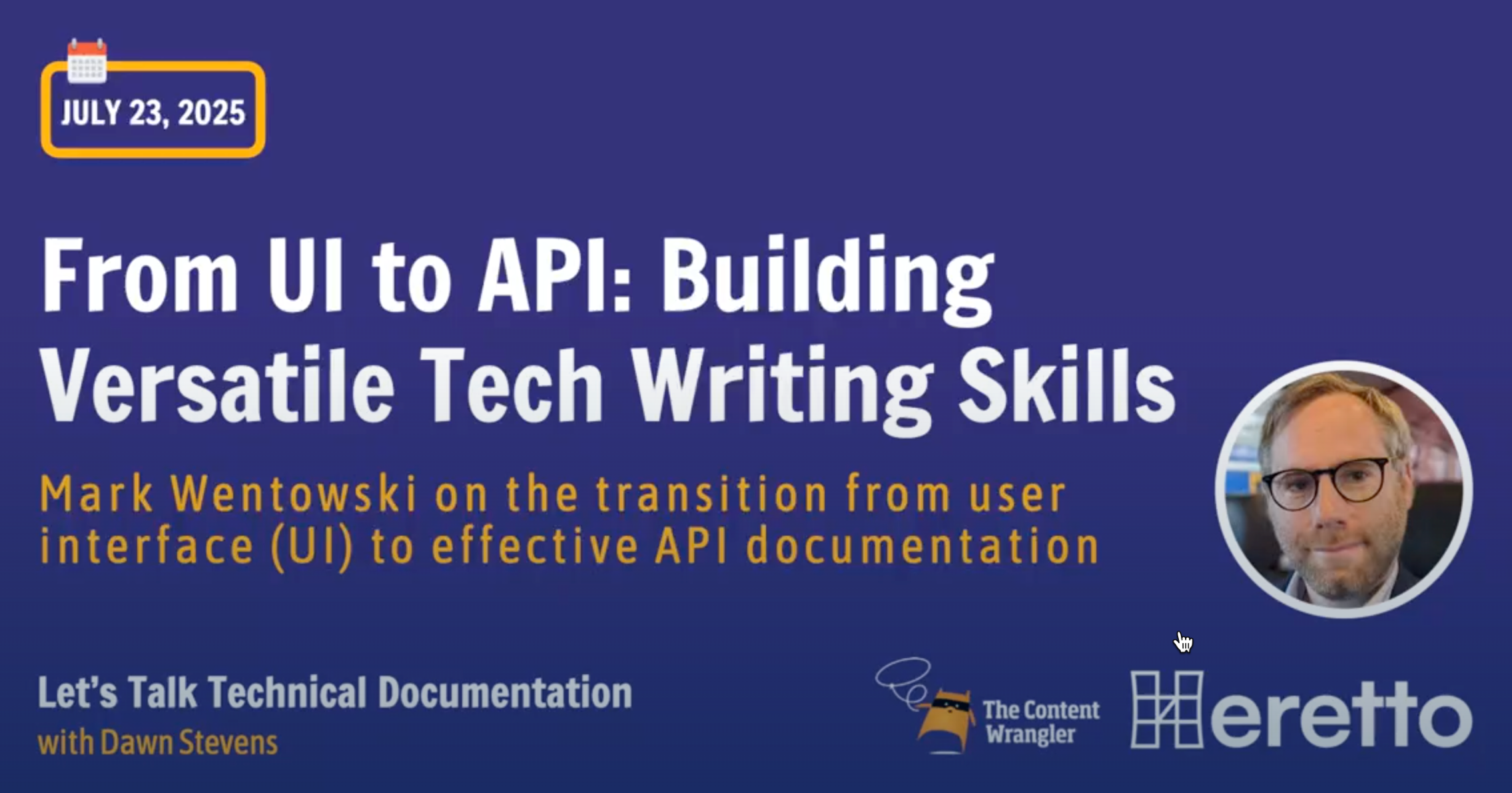
Hesistant to shift from UI to API writing?
Whether you are considering a shift from UI to API writing, or supporting a team member's transition, this talk offers practical guidance and encouragement for diving into API documentation:
Summer 2026 Schedule
All sessions are on Mondays at 8:00am – 9:30am PT. Check your timezone here. Seats are limited — this cohort fills fast.
Can't attend live? Full session recordings are included with every enrollment. Join async on your own schedule.
| Class # | Date | Time | Duration |
|---|---|---|---|
| 1 | 15 Jun 2026 | 8:00am – 9:30am PT | 90 min |
| 2 | 22 Jun 2026 | 8:00am – 9:30am PT | 90 min |
| 3 | 29 Jun 2026 | 8:00am – 9:30am PT | 90 min |
| — | 6 Jul 2026 | No class — Independence Day week | |
| 4 | 13 Jul 2026 | 8:00am – 9:30am PT | 90 min |
| 5 | 20 Jul 2026 | 8:00am – 9:30am PT | 90 min |
| — | 27 Jul 2026 | No class — instructor welcoming a new baby | |
| 6 | 03 Aug 2026 | 8:00am – 9:30am PT | 90 min |
| 7 | 10 Aug 2026 | 8:00am – 9:30am PT | 90 min |
Pay in Installments with Klarna
Prefer to spread the cost? Klarna is available as a payment option at checkout, letting you split your enrollment fee into interest-free installments.
To use Klarna at checkout:
- At the payment step, click "See More" beneath the Pay with Link or Google Pay options
- Select Klarna from the expanded payment methods
- Register or log in to your Klarna account and complete the required details to process your payment
Klarna availability may vary by region. If Klarna does not appear at checkout, it may not be supported in your country. Visit Klarna's website for more details.
Videos
Postman
This video shows how you can use query parameters to filter the API response in Postman.
Swagger Editor
This video walks through the process of documenting an endpoint using Swagger Editor, showcasing best practices in action.
Swagger UI
This video explores how API reference descriptions provide insights into how end users interact with the API through a user interface, helping to clarify the connection between front-end actions and back-end processes.
Diagrams as Code: Mermaid
This video explores how to create sequence diagrams that map out the flow of API calls for a specific use case.
What to expect after enrolling
After you purchase the course, you'll receive an email with step-by-step instructions for joining live sessions on our webinar platform. You'll also get access to the course Discord community for ongoing support and discussion between classes.
Full recordings are included. Every session is recorded and made available after class. If you miss a session or want to revisit a topic, you can catch up at your own pace — no one falls behind.
Questions?
Feel free to contact the instructor at mark.wentowski@docsgeek.io
Refund policy
"Mastering API Documentation with AI" is a live, virtual course. Due to the nature of live instruction and limited spots, we do not issue refunds unless there are extraordinary circumstances. If you encounter extraordinary circumstances and cannot attend, you may request a refund by emailing your reason to mark.wentowski@docsgeek.io. If you are refunded, any applicable processing, platform, or program fees will be deducted from the refunded amount.